
Distribution
Airdrop
Distribute tokens to multiple wallets from one streamlined flow instead of sending each transfer manually.

Create, customize and manage your Solana token in minutes. Configure supply, decimals, metadata and token authorities, then continue to liquidity, lock, burn and management tools.
Create, launch and manage your Solana token in minutes.
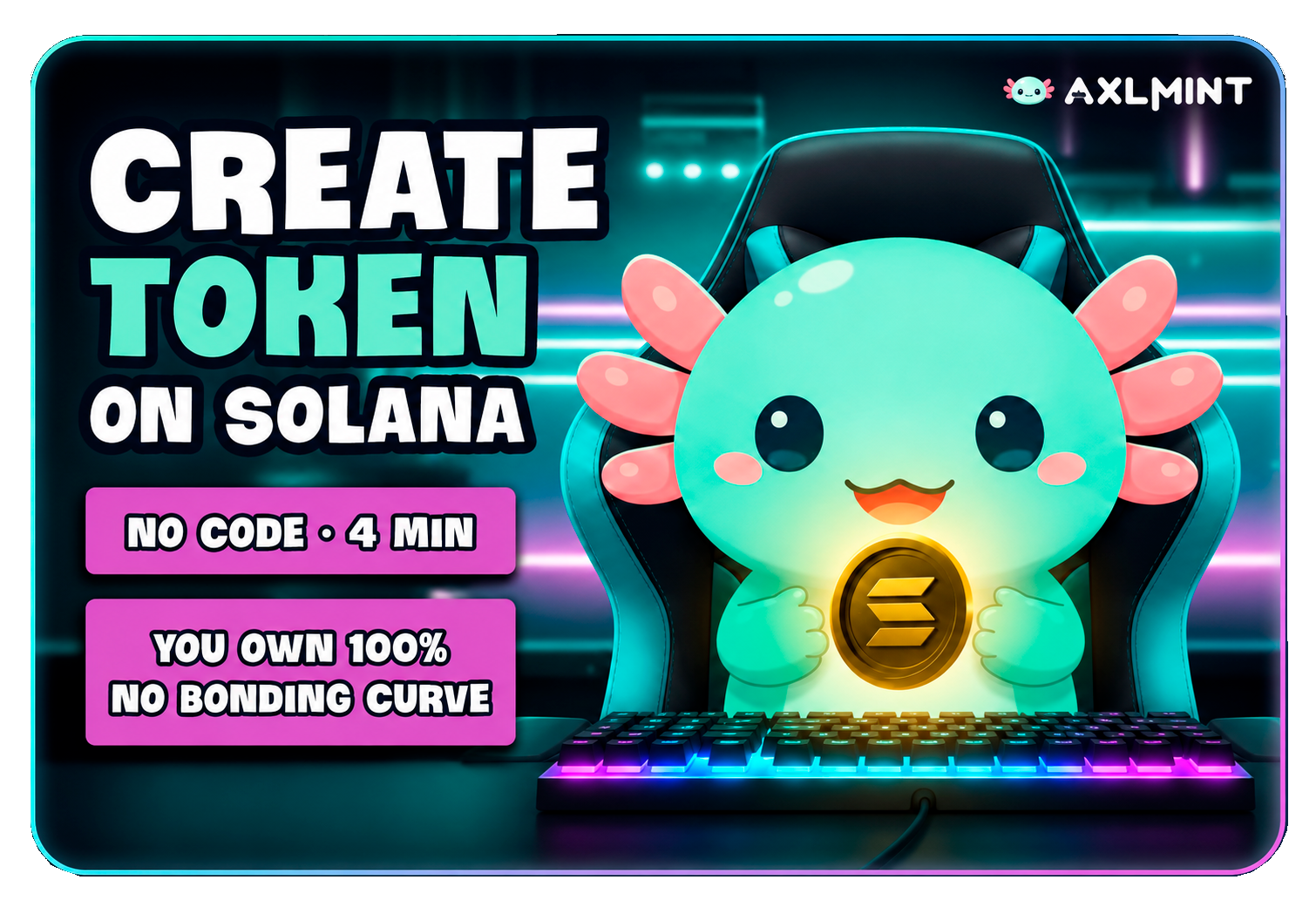
Start with the details that define your token. AxlMint keeps the setup focused so you can review each setting before creation. Tutorial →
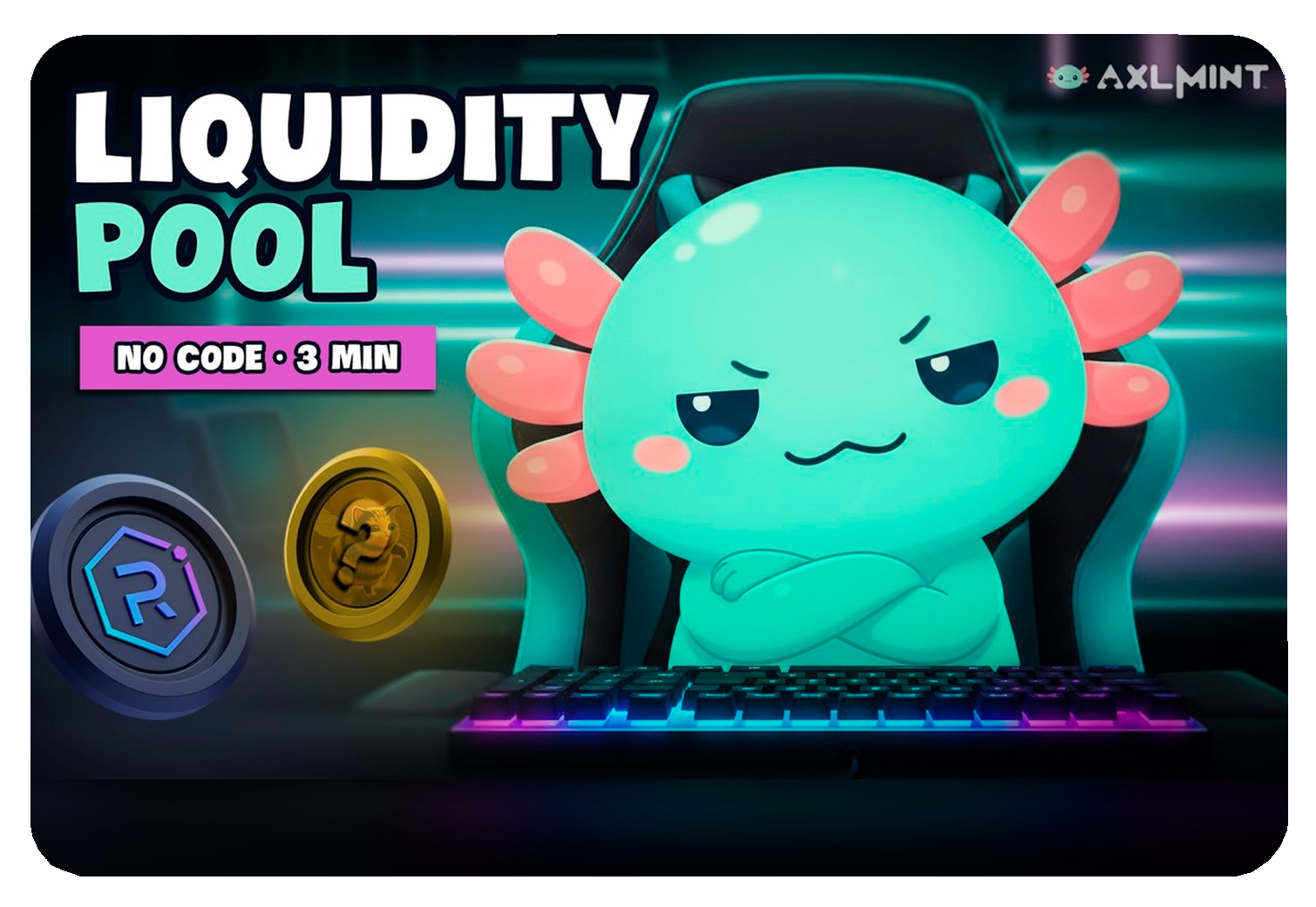
Once the token is ready, continue to the launch flow and prepare liquidity for trading without leaving the AxlMint ecosystem. Tutorial →
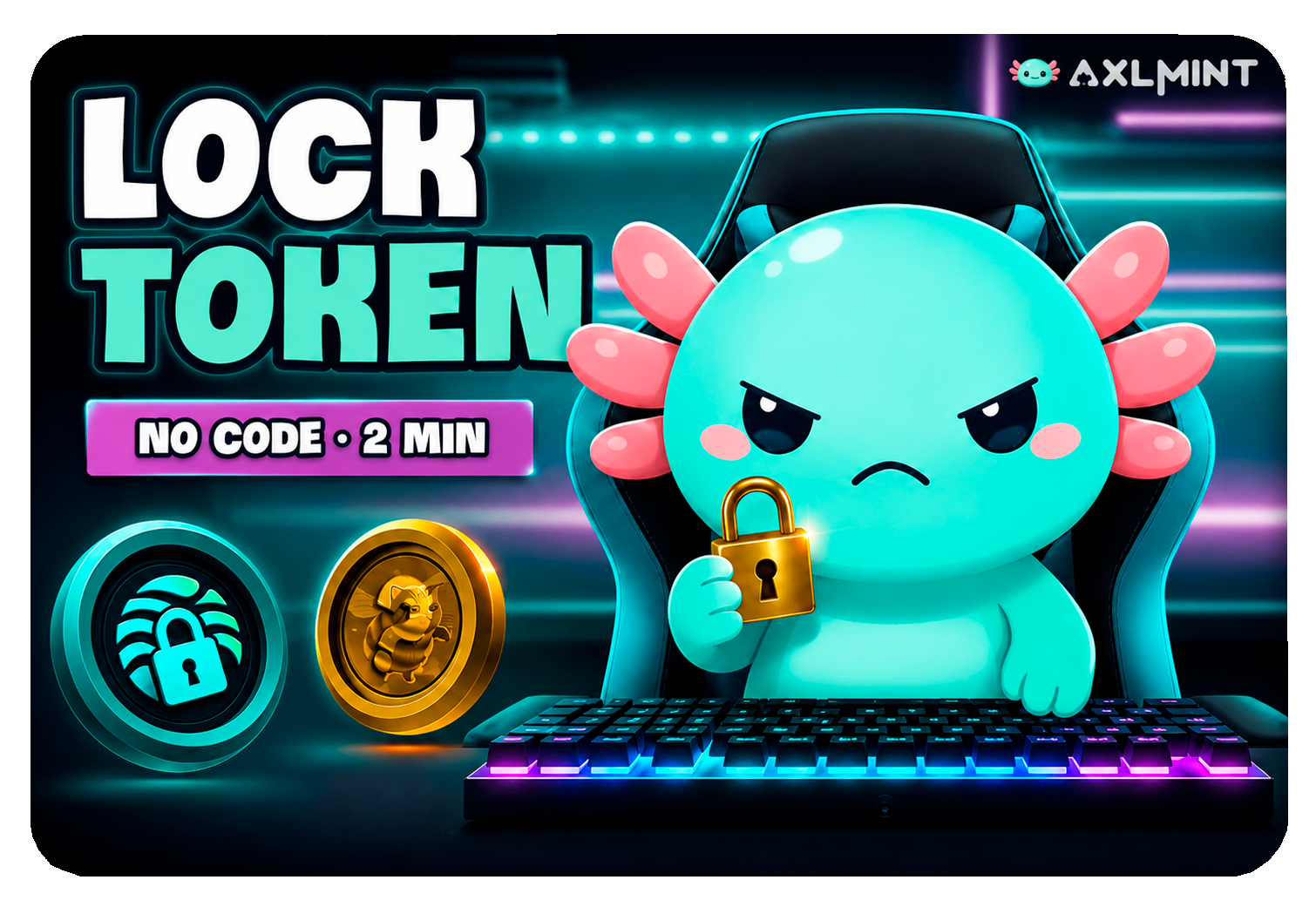
Use the lock workflow when your project needs a transparent, time-based liquidity commitment. Keep the explanation simple for users and the action close to the tool. Tutorial →
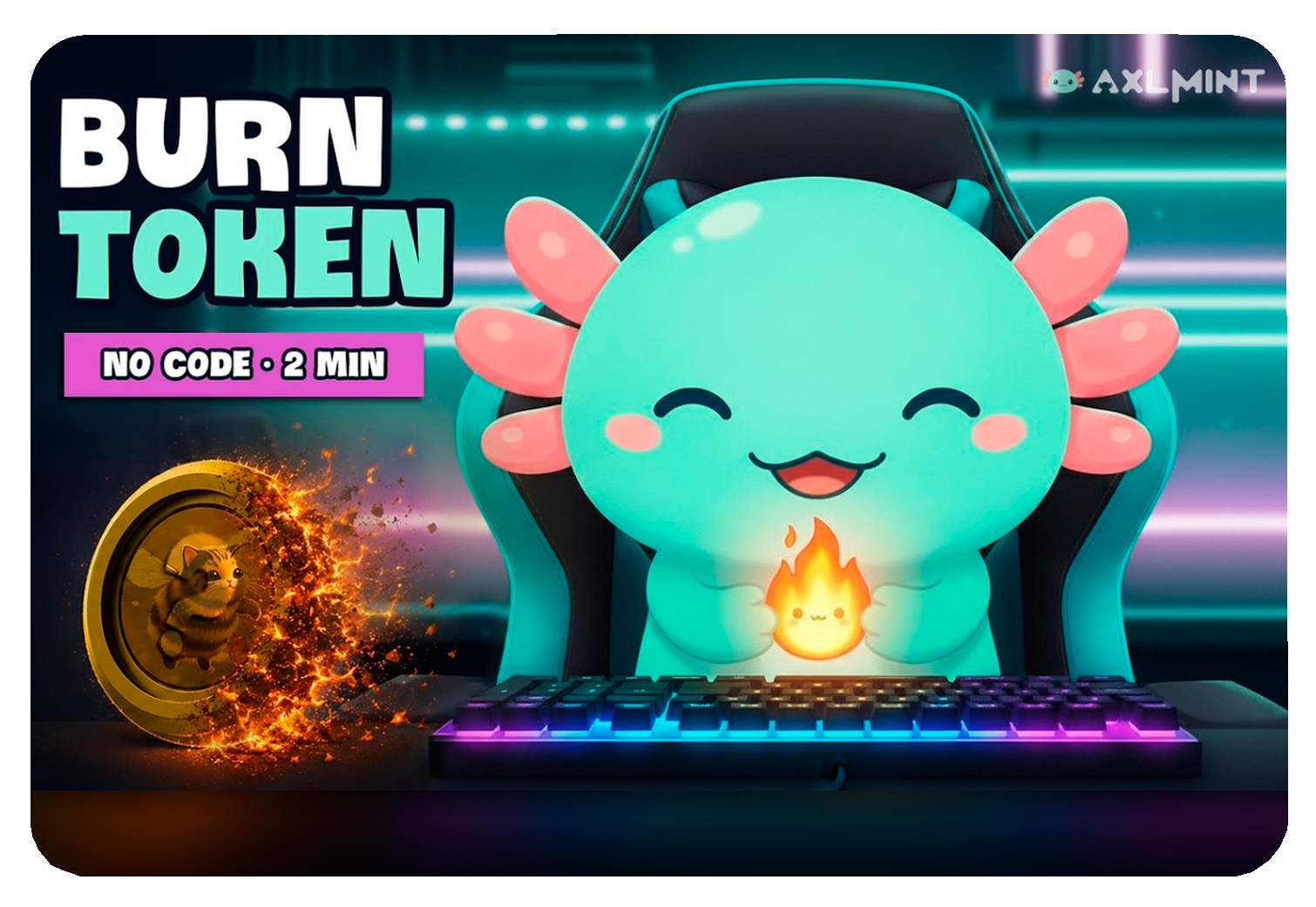
Reduce token supply by sending tokens through the burn workflow. AxlMint keeps the action separate and clear so the user knows exactly what is being confirmed. Tutorial →
Burn Token →
Bring the next actions together after creation. Token information, authorities and operational tools should feel like one continuous workflow—not disconnected utilities.
Distribute tokens to multiple wallets from one streamlined flow instead of sending each transfer manually.
Remove Mint Authority when you want to make the current token supply final and prevent additional minting.
Mint additional supply when your token still has an active Mint Authority and your project needs more tokens.
View the wallets holding your token and get a clearer picture of how the supply is distributed.
A future collection for the AxlMint community, with holder perks, special campaigns, giveaways and more.




Short, practical guides can answer the questions users usually have before creating or managing a Solana token.
Answer the key questions before the user reaches the creation tool.
Yes. AxlMint is designed around a guided interface where you can configure the main token settings without writing code.
The final amount can include AxlMint's displayed service fee and Solana network costs. Show the current amount inside the creation flow before the user confirms the transaction.
SPL is the token standard used across the Solana ecosystem. You can explain the standard in more detail in the AxlMint Learn guide and link back to the creation flow.
If your token configuration supports it, Mint Authority can be revoked so additional supply can no longer be minted through that authority. Review the consequences before confirming.
Yes. After creating the token, you can continue to AxlMint's launch flow to configure the next steps for liquidity.
Yes. The dedicated burn tool can be used later when you want to reduce the token supply according to your project plan.
The AxlMint lock flow can guide users through selecting the position, choosing a duration and confirming the lock.
Move from learning to creation when you're ready. Configure the token, review your settings and continue with AxlMint's tools.
🚀 Create My Token